 Gookit
Design labels. Print in batches.
Connect product fields, arrange your label and reuse the template for your next batch.
Use your store data without CSV exports or manual lookups.
Choose products and quantities.
Select store products and variants, then set the number of labels for each one. Bulk batches use the same saved template.
See how product labels work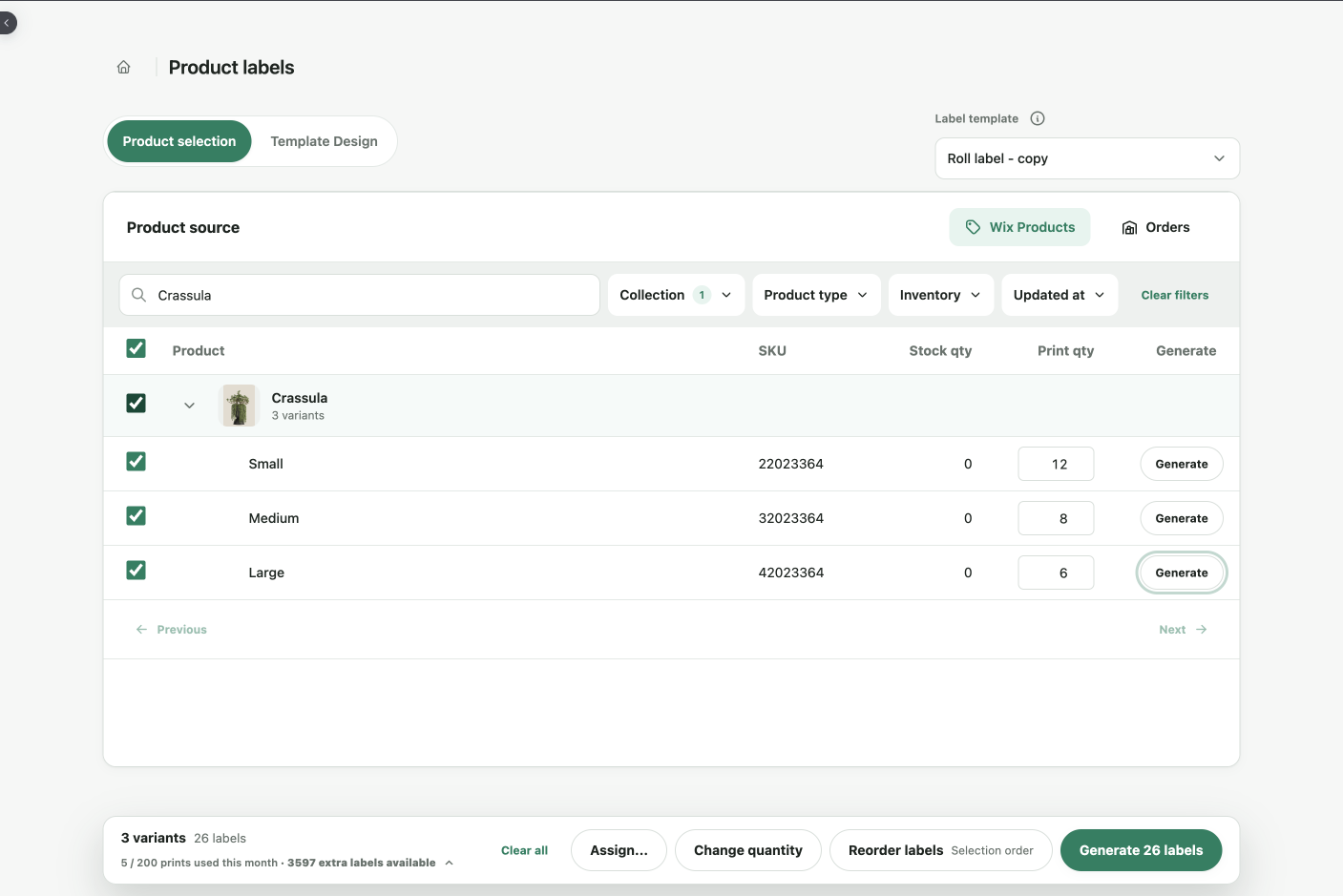
Bind fields to a reusable template.
Set exact label dimensions, then place text, barcodes, QR codes and images. Bind names, variants, prices, SKUs and barcodes to store data; save the design for your next batch.
See data binding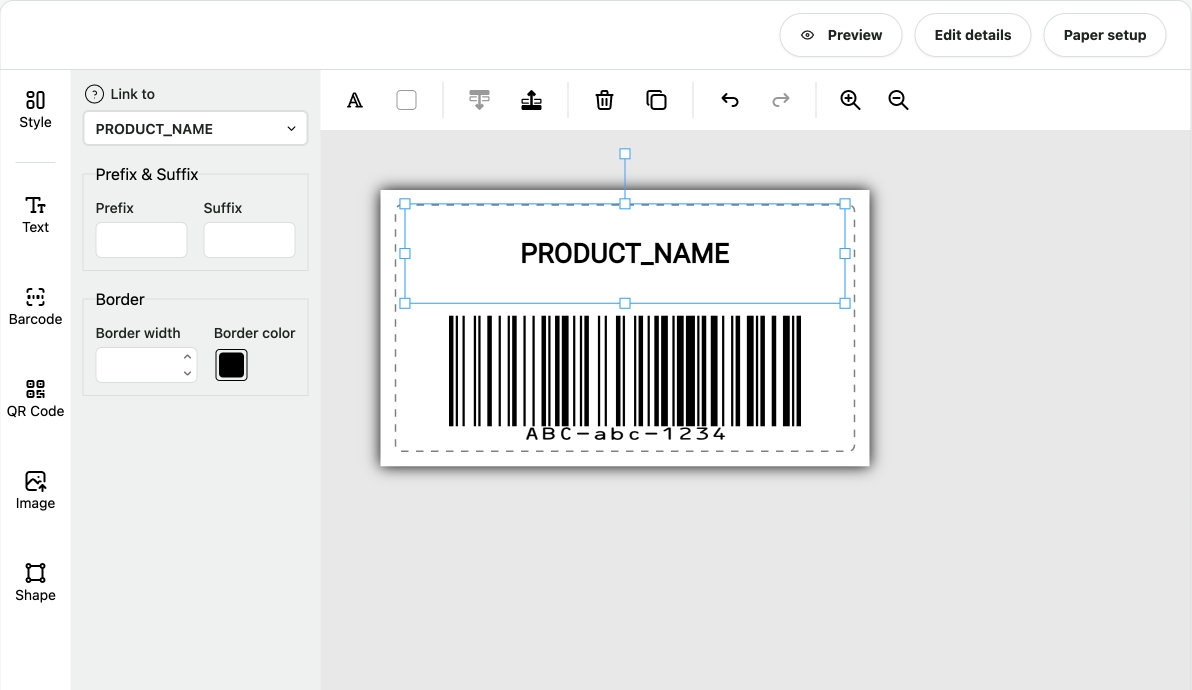
Generate a print-ready PDF.
Create one aligned PDF for A4, Letter or continuous roll stock, then print on the printer you already use.
See the printing guide-
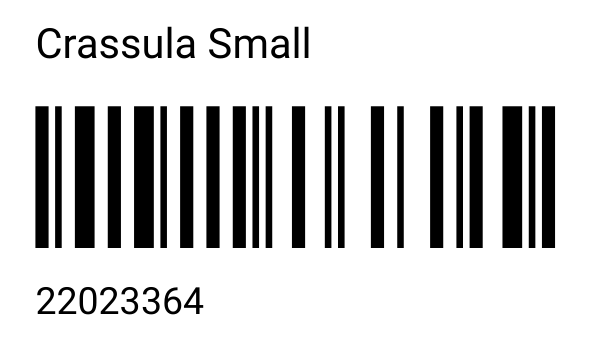
Small × 12
-
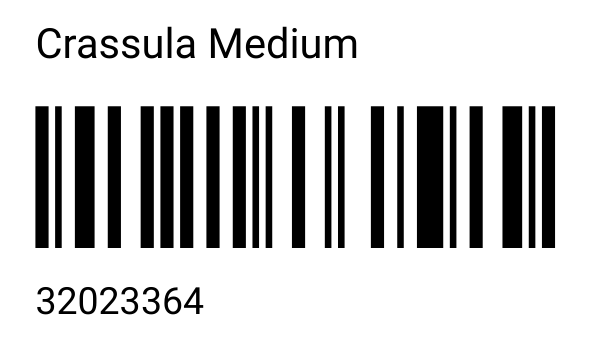
Medium × 8
-
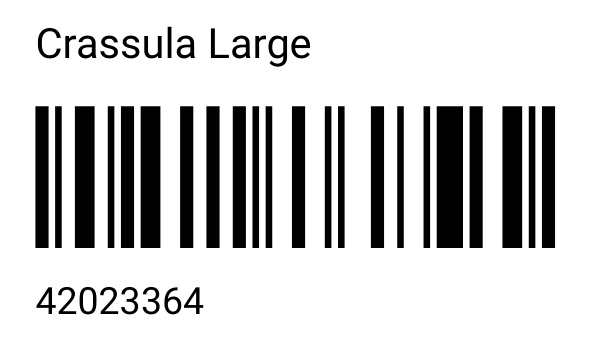
Large × 6
Sample layout using the selected products and quantities.
Fit your label stock and layout.
-
Flexible sizes
Set exact millimeter dimensions for tags, roll labels and sheets.
-
Design templates
Customize and save product, variant and address templates.
-
Label editor
Position text, barcodes, QR codes and images with snap-to-grid controls.
Six barcode formats, one editor.
- Code 128
- Code 39
- EAN-13
- UPC-A
- QR Code
- GS1 DataMatrix
Building your own app? Use Gookit Label API for PDF batches and PNG previews.
Sized for the printer you use
“I have a Rollo printer and was able to customize the label size on this one. Most Shopify barcode apps only supported DYMO sizes.”