
Labels Are Cut Off or Misaligned
Printed labels don't line up with the pre-cut grid, drift down the page, or get cut off at the edge. Fix by checking template dimensions, adjusting margins by 0.25mm increments, and ensuring print Scale is 100%.
Sheet Labels
Two common alignment symptoms on sheet labels:
- The printed content shifts off-center on every row.
- One row exceeds the printable area and gets cut off (or wraps onto the next page).
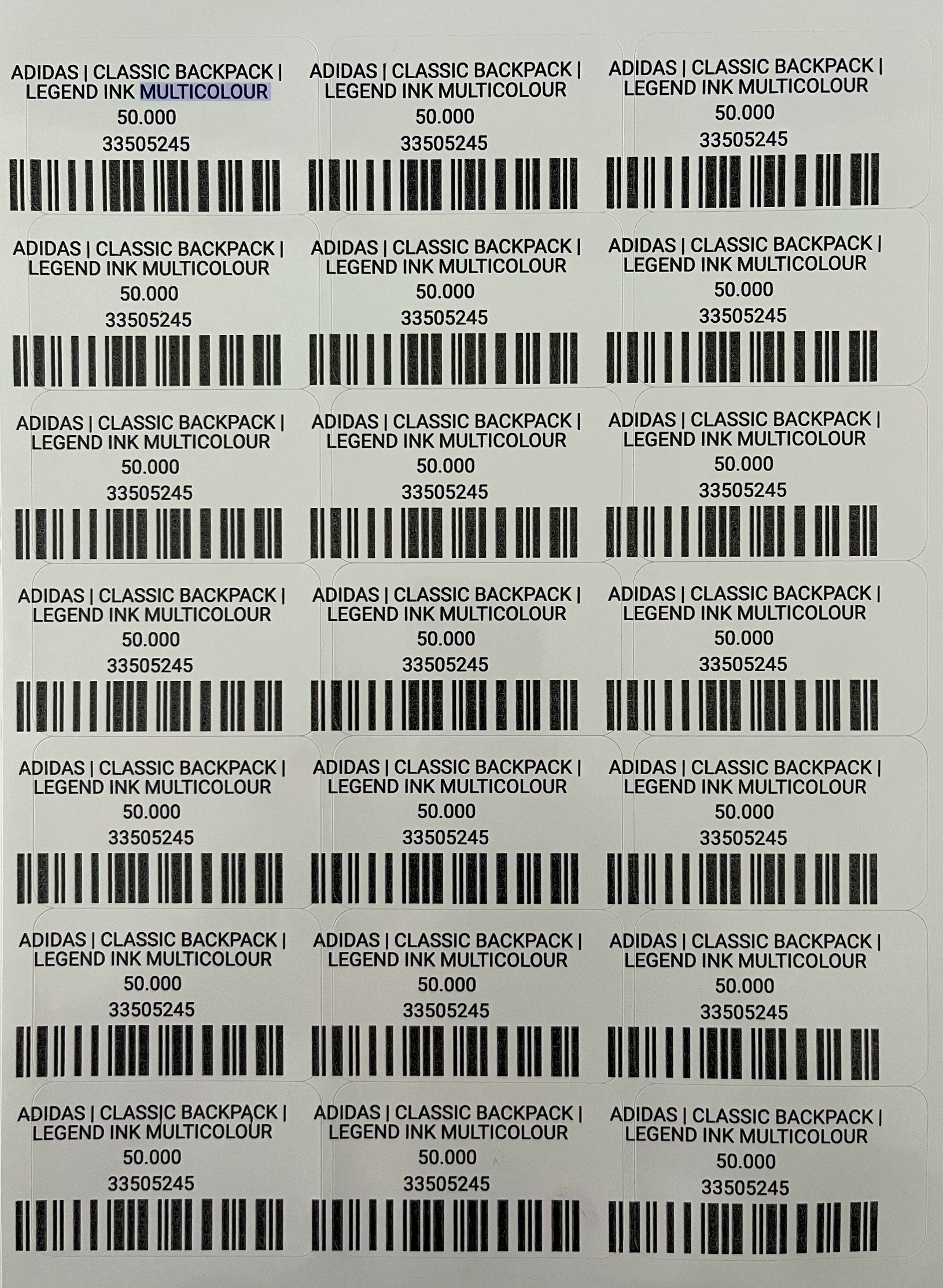
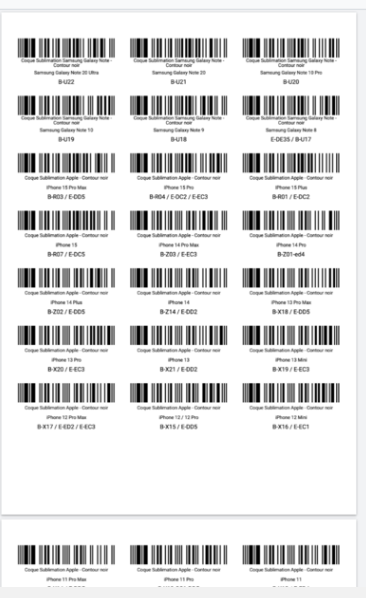
Both come from the same family of causes: template dimensions don't match the physical sheet, or the printer is adding/removing margin you didn't account for.
Fix
- Open the template and click Configure. Check the label width, height, and margins match your actual label sheet.
- If you're using a known brand (like Avery), pick the correct brand and model — dimensions are set automatically.
- Switch the unit to millimeters for more precise adjustments.
- Nudge the margin by ±0.25mm if alignment is close but not perfect. For example, if the top margin is 22mm, try 21.75mm or 22.25mm to compensate for your printer's built-in margin.
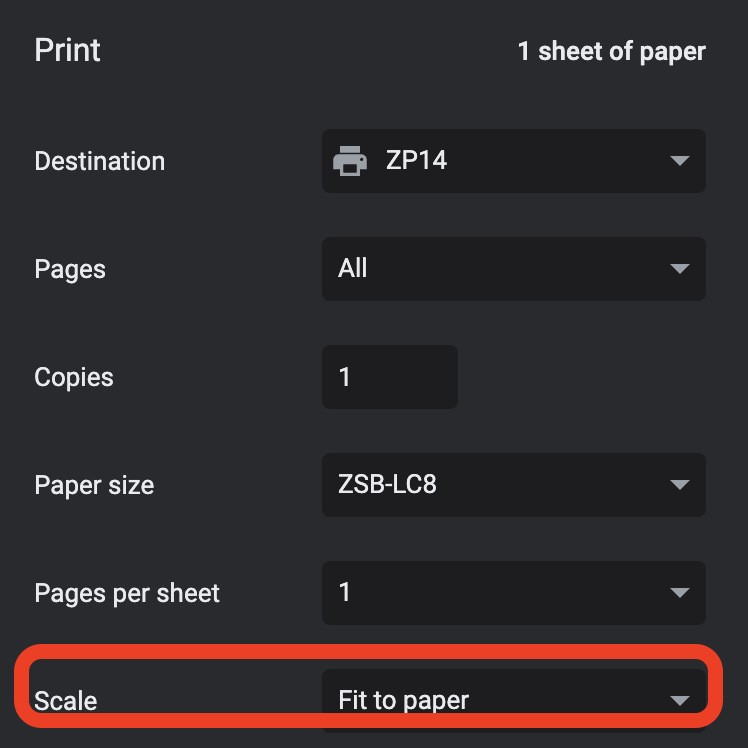
- In the print dialog, set Scale to 100% (or "Actual size") — never "Fit to page", which shrinks labels and breaks the pre-cut grid.
- If you're printing on a partially used sheet, use the Skip Labels option in the Generate Labels dialog to skip already-used positions.
Roll Labels
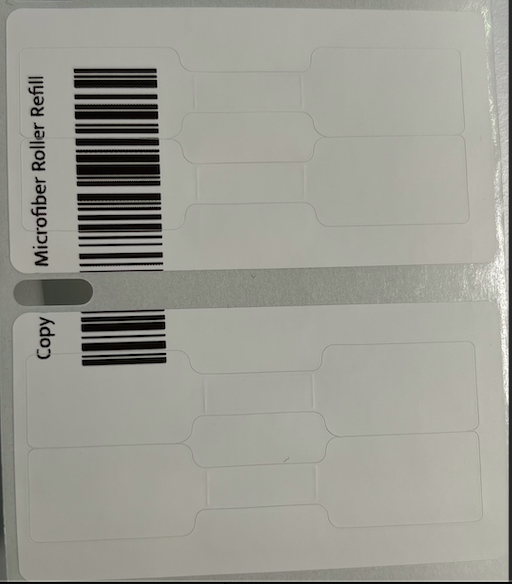
For roll labels, this almost always means the paper size in the print dialog doesn't match the actual label.
Fix
Choose a size that matches your template and physical label in the printer dialog. See Printer Setup for Roll Label for the full walkthrough, including how to add a custom paper size if your label dimensions aren't in the dropdown.