
Multi-column Label Template
Multi-column labels print several labels side-by-side on a single row using a roll printer. Learn the layout variations, how to configure a template, and the paper-width pitfall to avoid.
A multi-column label (also called 2-up labels or side-by-side labels) is a label design that fits several labels into one physical row of your roll, instead of one label per row.
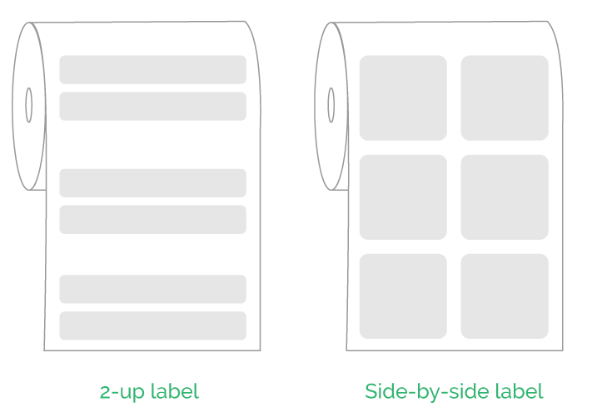
Common use case: small stickers (like jewelry tags or mini price labels) where you want to maximize roll usage.
Layout variations
Multi-column templates can be designed in a few ways depending on how you arrange content within each label:
Row oriented — content flows left to right within each label.
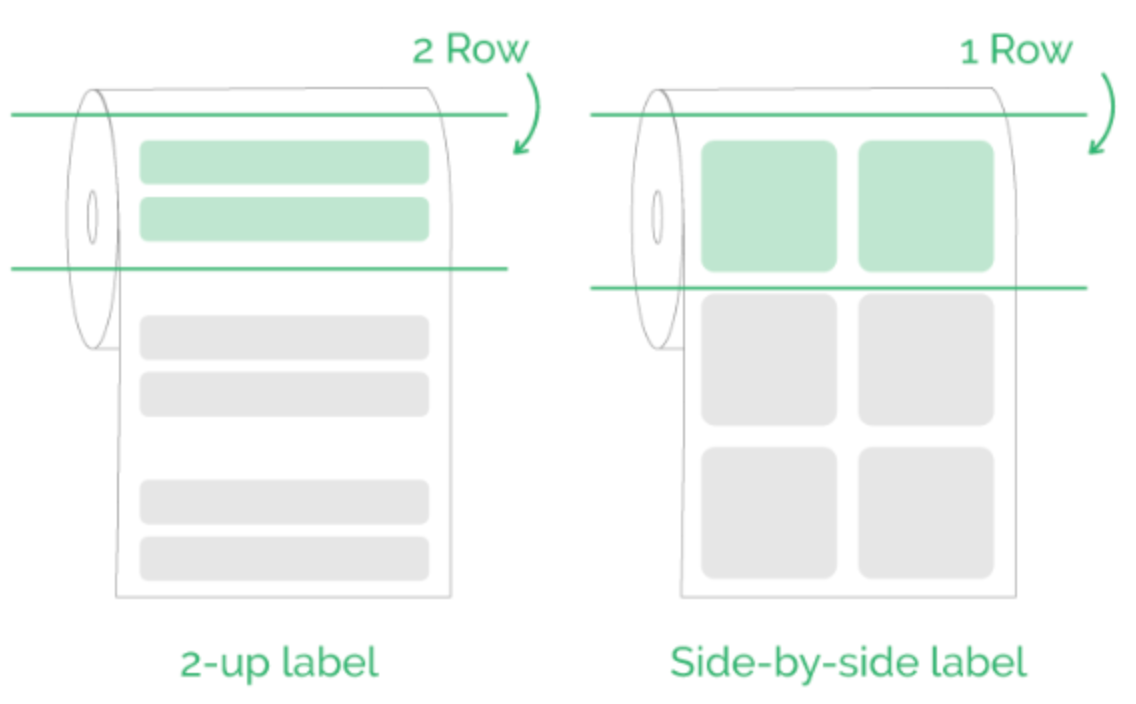
Column oriented — content stacks vertically within each label.
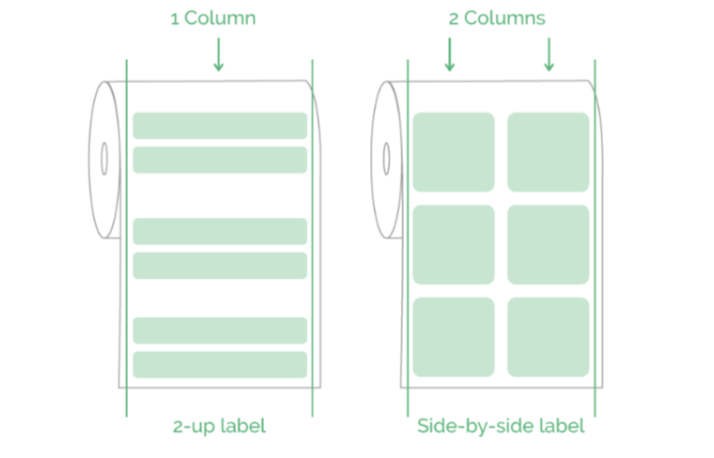
Two-row, one-column — a single narrower label with two stacked content rows.
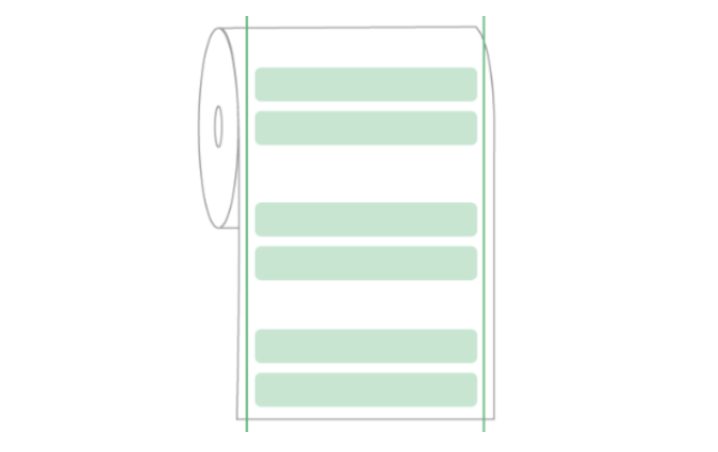
One-row, two-column — a wider label with two content columns side-by-side (not to be confused with two separate labels).
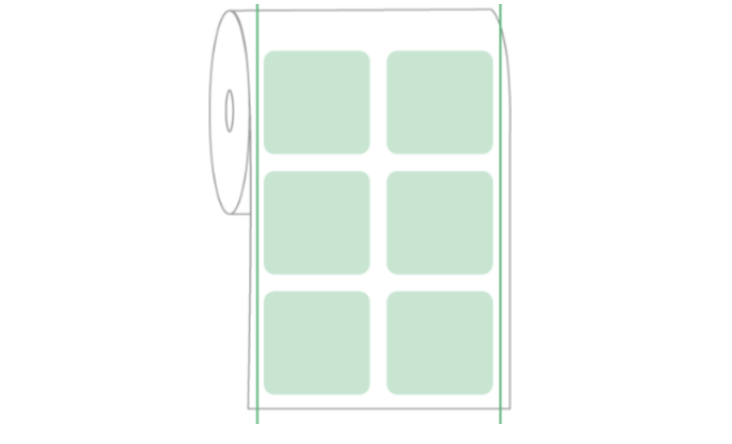
Create a Multi-column Label Template
Example: 2-column layout, each label 25mm × 15mm, with product name and barcode. Dymo 30299 (54mm × 11mm) is another common reference.
- Go to Templates → click Create product label template.
- Click Configure (top right):
- Brand: Your printer brand or Custom
- Model: Multi-column label
- Columns: 2
- Width: 25 mm, Height: 15 mm (per label)
- Click Save.
- Add elements from the left sidebar:
- Text → Link To → Product Name
- Barcode → Link To → Barcode, format: CODE128
- Click Preview to check, then Save.
[!WARNING] The total paper width must match your actual roll. For example, 2 columns × 25mm = 50mm roll width. Make sure the paper size in your printer dialog matches the total roll width, not the individual label width.