 Gookit
Errors when generating labels
Common validation errors you may see when BarcodeMan generates labels — EAN-13 length, UPC-E number system, ISBN formatting, AI prefixes — and how to fix them.
On this page
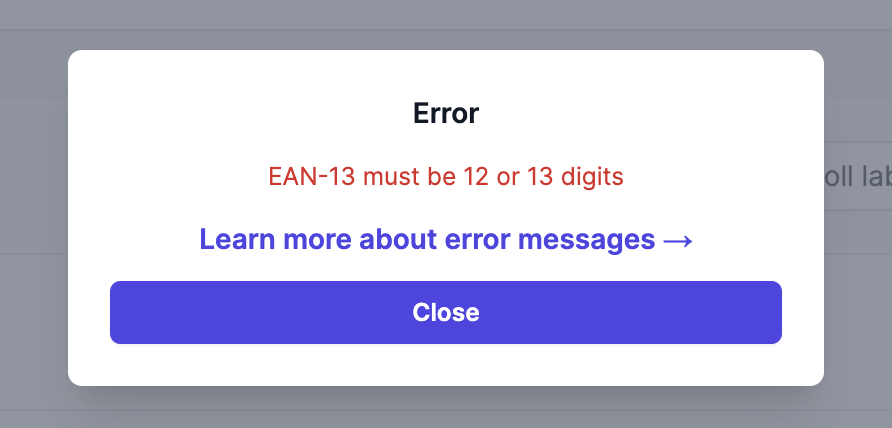
Example error dialog; its appearance may differ between interfaces.
Common errors
- EAN13 must be 12 or 13 digits
- UPC-E must have number system 0 or 1
- Incorrect EAN-8 check digit provided
- ISBN-13 must be 15 or 17 characters including dashes. ISBN-10 must be 11 or 13 characters including dashes
- AIs must start with ’(‘
Other errors
- Signals timeout or invalid JSON
Try a smaller batch or reduce large images. If the new interface shows PDF status unavailable, use Check PDF status again to check the same job. See PDF generation timed out for the recovery steps; timeout behavior varies by printing path. - Unexpected end of JSON input
The server is experiencing issues. Please try again later.
Solution
These errors occur because the barcode values need to follow the barcode format requirements. We recommend using the Online Barcode Generator to check the accuracy of your barcode values.
The barcodes we create contain random numbers and are not EAN-13 codes and can only be used in CODE_128 format. Hence, when you use the barcode values from our assigned feature, please choose CODE-128 as your barcode format.
Questions about this article? Email our team.
Send feedback